Reading Arabic CV PDFs: a reproducible 20-file experiment
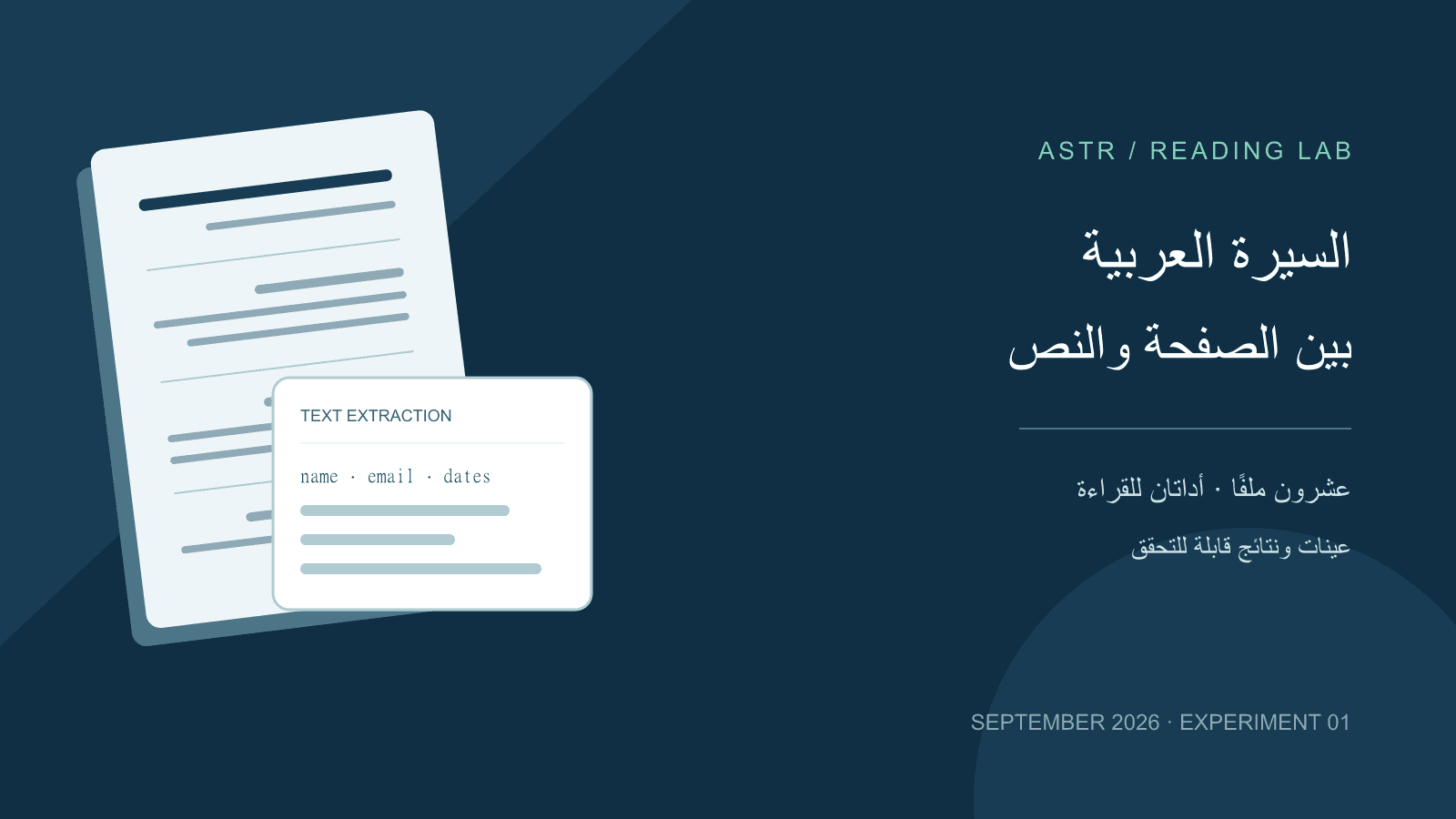
Table of Contents
Summary: a readable page can still produce incomplete text
On September 25, 2026, Astr tested 20 PDF variants of one synthetic Arabic CV with two text-extraction tools. These are not 20 people or customer resumes. The files were generated independently of Astr's CV export engine; this is not a product-template comparison.
Both tools recovered the email address, including underscores, in all 16 text PDFs. However, pypdf did not return the complete employer name in any of them, while PyMuPDF changed character sequences in some Arabic words. Four image-only PDFs produced no text with these non-OCR extraction settings.
This is not an ATS acceptance test or a measure of a candidate's quality. Findings apply to the published specimens, tool versions and settings, not recruitment probabilities or every PDF reader.Download the evidence
- Complete archive: all 20 PDFs, raw text, source and reproduction instructions.
- All 40 measurements in JSON.
- Reference text and expected fields.
- File manifest, SHA-256 hashes and generation environment.
The email uses example.com, the phone number is deliberately invalid, and the names and organizations are fictional. We test literal recovery, not whether the contact details are valid.
Experimental design
We held the content of a fictional mathematics teacher's CV constant and varied:
| Factor | Tested values |
|---|---|
| Embedded font | Tajawal and Cairo, with file hashes recorded |
| Body size | 12 and 16 CSS pixels, equivalent to 9 and 12 points here |
| Layout | One column, two columns, table rows, forced page break after projects |
| Image controls | Four rasterized copies of the one-column PDFs, with no text layer |
Two fonts × two sizes × four layouts produced 16 text PDFs, plus four image-only controls. There are 28 pages in total. Some 16px one-column files naturally span two pages; “one column” does not mean “one page.” These sizes are experimental variables, not readability recommendations.
Generation used HTML, Puppeteer 24.4.0 and Chrome 134.0.6998.35 on Windows, A4 paper, 18mm margins and embedded fonts. This records our installed generator, not the latest browser. Raster controls retain every source page at 144 dpi.
Extraction used pypdf 6.10.0, calling extract_text(), and PyMuPDF 1.26.7, calling get_text('text', sort=False). Both used direct plain-text extraction without OCR, geometric reordering, spelling repair or AI cleanup. These libraries are not recruitment systems.
What the metrics mean
- Word recovery: count matching Unicode letter/number tokens against the reference, including repetitions. There are 136 reference tokens, including Latin words and numbers but excluding punctuation. This is literal recall, not an ATS score, semantic accuracy or a word-order test. Joined or damaged words may not count even if a person can infer them.
- Seven complete fields: name, email, dummy phone, two date ranges, degree and employer. Presence does not establish that a parser recognized a field's role or associated a date with the right employer.
- Six section headings: test exact normalized presence and declared sequence. For two columns, the reference reads the full right column before the left. If any heading changes or disappears, order is not measurable, rather than automatically incorrect. This does not test every sentence within sections.
Normalization uses Unicode NFKC, removes Arabic diacritics, tatweel and directional control characters, and collapses whitespace. It does not fix reversed letters, join split words or correct hamza sequences. Raw outputs are included so normalization cannot conceal the evidence.
Measured results
The 16 text PDFs
| Metric | pypdf 6.10.0 | PyMuPDF 1.26.7 |
|---|---|---|
| Word-recovery range | 81.62% to 91.18% | 79.41% to 90.44% |
| Email, dummy phone and both date ranges complete | 16/16 for each field | 16/16 for each field |
| Full name after stated normalization | 16/16 | 8/16 |
| Complete employer name | 0/16 | 16/16 |
| All seven fields present | 0/16 | 8/16 |
| Six headings present in reference order | 16/16 | Not measurable in all 16: heading text differed |
Field presence does not establish complete extraction. PyMuPDF retained all seven fields in eight specimens, but their word recovery was still 90.44%, not 100%.
Layout and font within this experiment
| Group | pypdf word recovery | PyMuPDF word recovery |
|---|---|---|
| One column, four files | 90.44% | Tajawal 90.44%; Cairo 79.41% |
| Two columns, four files | 12px: 90.44%; 16px: 91.18% | Tajawal 90.44%; Cairo 79.41% |
| Table, four files | 81.62% | Tajawal 90.44%; Cairo 79.41% |
| Forced page break, four files | 90.44% | Tajawal 90.44%; Cairo 79.41% |
This does not establish that Cairo is unsuitable for resumes, or that two columns are universally better. The outcome reflects an interaction between the specific font file, generator, extractor, settings and selected text. Higher recall is not proof of semantic understanding or complete reading order.
The four image-only controls
Both tools returned empty text in all four controls. OCR was not run, so this is not an OCR performance finding. A different pipeline with optical character recognition may read the images; its accuracy needs a separate experiment.
Two examples behind the numbers
An employer visible on the page but absent from extracted text
The one-column Tajawal specimen visibly contains “معلم رياضيات | مدرسة المثال التجريبية”. The raw pypdf output retains the role but not the school name. A visually intact line did not imply complete extraction.
A changed character sequence in the name
The reference name in the two-column Cairo specimen is “سالم المثال التجريبي”. The PyMuPDF output returns its final word as “التجرييب”. We did not silently correct it or assume that other readers would reproduce the same issue.
For a text-versus-image comparison, open the image-only specimen and try selecting its name. The content looks similar but is not stored as extractable characters.
Practical checks before sending a CV
- Follow the employer's requested file format first.
- Copy the PDF into a plain-text editor. Check the name, email, employers and dates, not only the first line.
- Try another reader if output is incomplete. Different extraction does not mean your original information changed.
- For an image-only file, export text from the original document where possible, or use OCR and review its output manually.
- Do not turn a word-recovery percentage into an employment promise or a verdict on experience.
You can organize your information in the CV builder and review a file with the CV grader. This experiment does not validate Astr's scores or test its production exports; those require separate evaluation.
Limitations and reproducibility
This is a small, correlated set from one underlying CV and one generator. We did not test Word exports, every font, every CV length, commercial ATS vendors or hiring outcomes. We do not report confidence intervals or a general ranking of extractors.
We reviewed rendered pages and raw text, then repeated extraction on the same bytes: the measurements matched. The archive includes versions, hashes and executable source. A different environment, tool version or regenerated PDF can change results. The methodology log also discloses pilot harness issues corrected before these final findings.
Suggested citation: Astr Team, “Reading Arabic CV PDFs: a reproducible 20-file experiment,” September 25, 2026, version 1. Specimens and results may be reused with attribution and a link to this study. Fonts and third-party tools retain their own licenses.
Tool references
- pypdf text-extraction documentation explains extraction limitations and the distinction from OCR.
- PyMuPDF text documentation describes why plain output may differ from expected reading order.
The references explain the tools; our downloadable experiment, not an external study, is the source of the table values. For corrections, contact Astr with the specimen ID, tool version and output.
Related CV Templates
CV Template: Fresh Graduate
Create a professional resume for fresh graduates with no experience. Download a ready-to-edit CV template designed specifically for new graduates, highlighting capstone projects, internships, and skills.
CV Template: Programmer
Create a resume for programmers and software developers. A ready technical CV template that highlights programming languages, GitHub projects, and Backend/Frontend experience with ATS compatibility.